> For the complete documentation index, see [llms.txt](https://docs.airops.com/llms.txt). Markdown versions of documentation pages are available by appending `.md` to page URLs; this page is available as [Markdown](https://docs.airops.com/docs/pt/acoes/workflow-concepts.md).
# Workflows
Crie Workflows AirOps passo a passo que conectam dados, modelos de IA, revisão e publicação através de entradas, Steps, variáveis e saídas definidos.
Os Workflows da AirOps são o construtor visual para processos que precisam de Etapas explícitas e fluxo de dados. Ligue dados, modelos de IA, pesquisa, revisão e publicação numa sequência definida. Use Grids para executar Playbooks e Workflows em muitas linhas, e use Playbooks para trabalho de agente descrito em linguagem natural.
As equipas usam Workflows para pesquisa, monitorização, criação e atualização de conteúdos, revisão editorial, transformação de dados e publicação integrada.
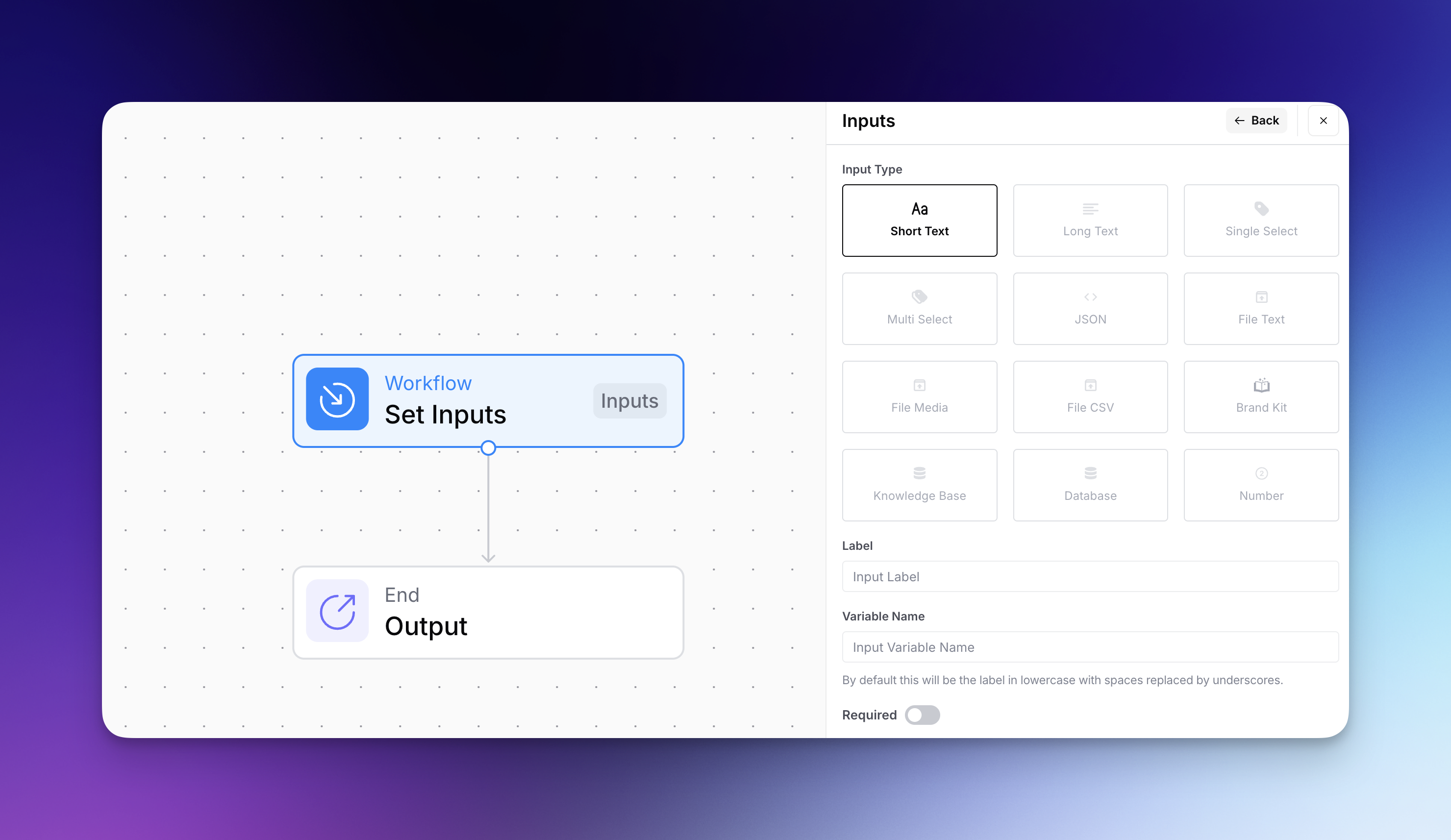
* **Entradas do Workflow**: As informações que introduz no seu workflow quando o inicia — como texto, ficheiros ou seleções de menus suspensos. Pense nelas como as matérias-primas que o seu workflow irá processar.
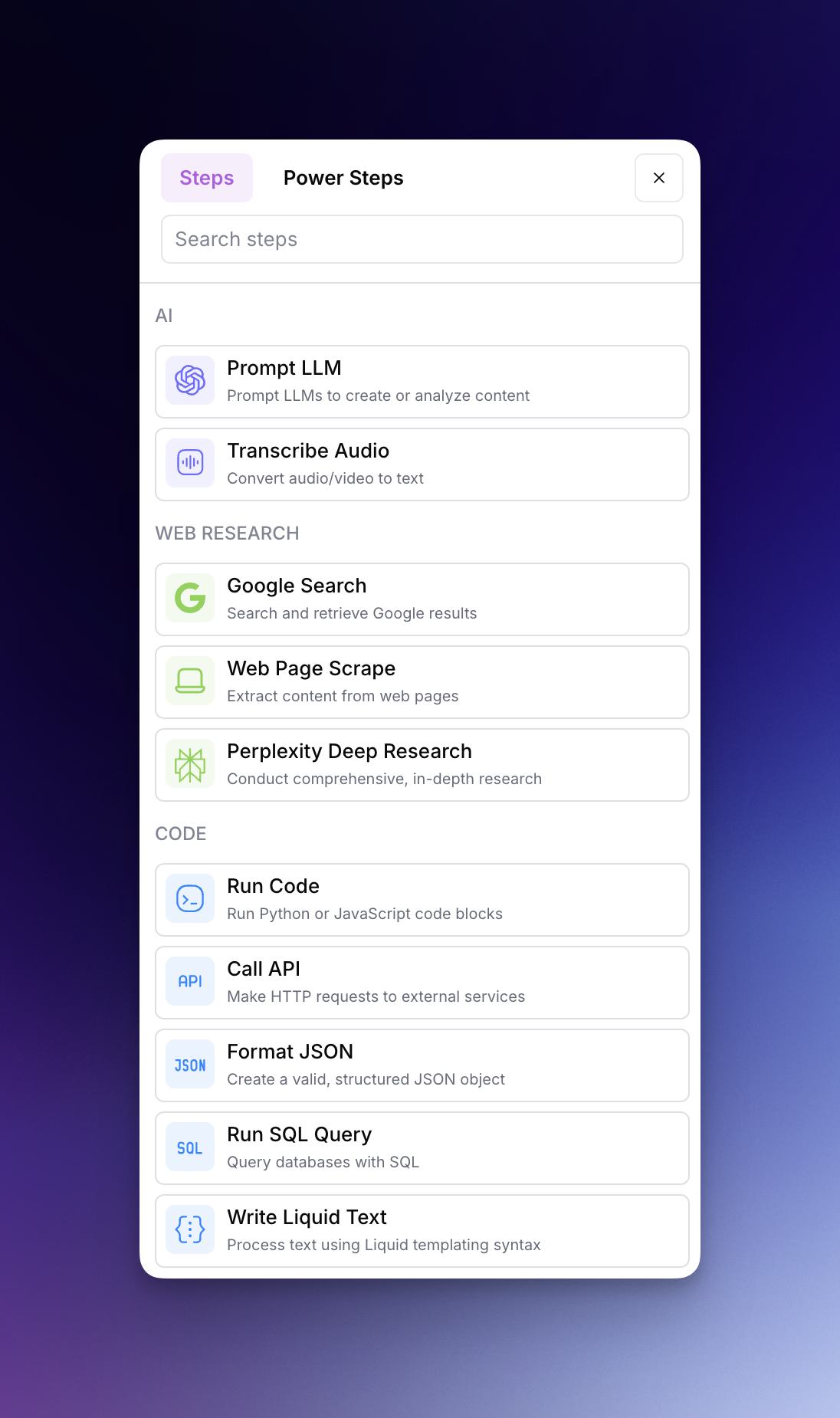
* **Etapas do fluxo de trabalho**: As ações que o seu workflow executa — como gerar texto com IA, pesquisar no Google, gerar uma imagem ou rever conteúdo. Estas etapas estão ligadas em sequência para atingir o seu objetivo.
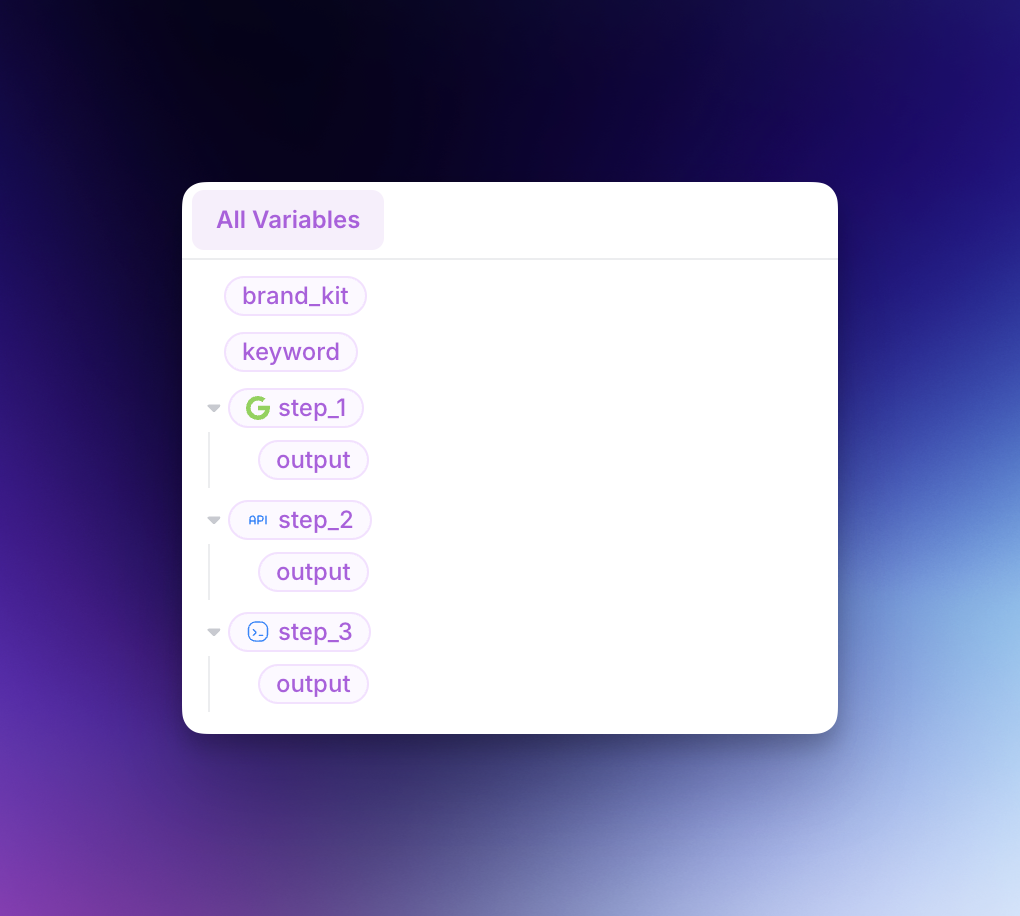
* **Variáveis do Workflow**: Valores que podem ser passados entre diferentes partes do seu workflow. As variáveis permitem-lhe usar o resultado de uma etapa como entrada para outra, criando uma cadeia conectada de ações.
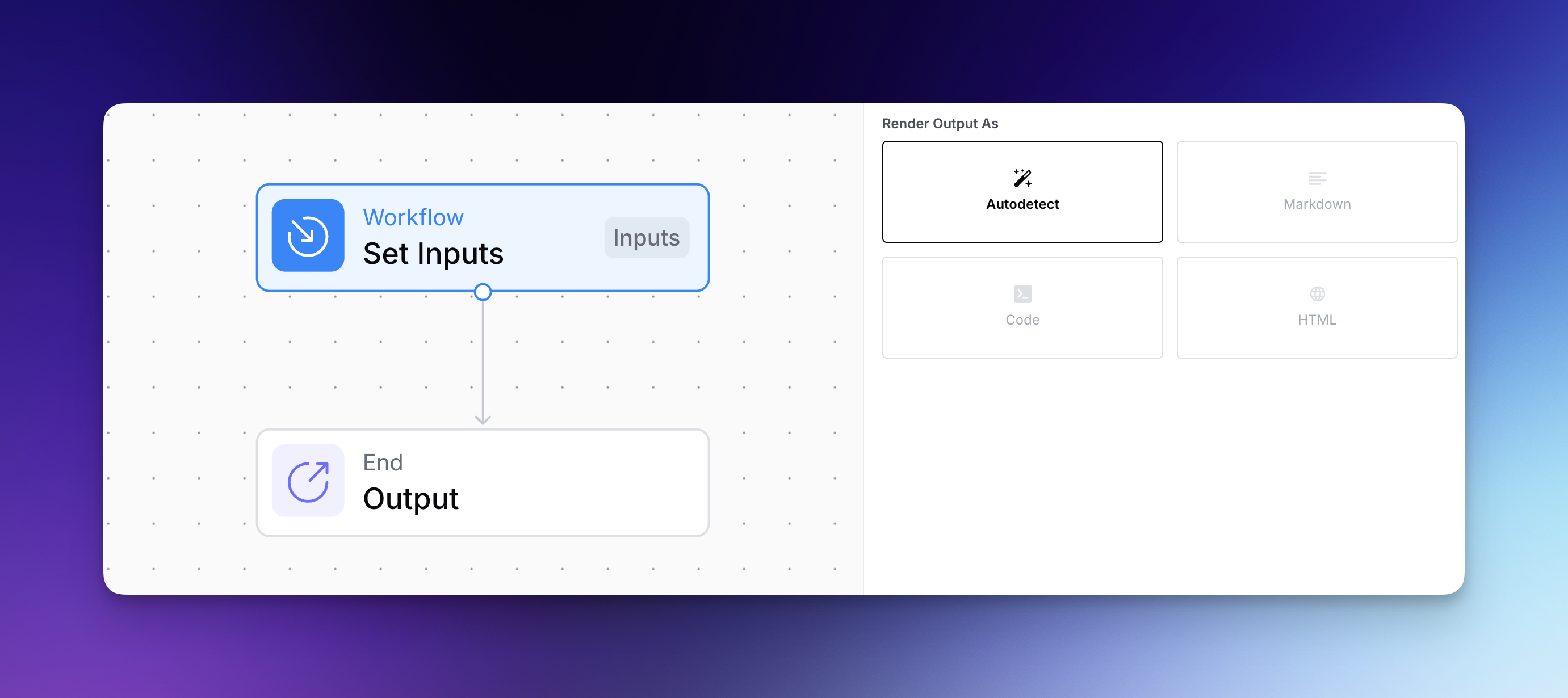
* **Saídas do Workflow**: Os resultados finais que o seu workflow produz — seja uma publicação de blogue, imagem, análise ou dados num formato específico. Isto é o que é entregue quando o seu workflow termina de ser executado.
---
# Agent Instructions
This documentation is published with GitBook. GitBook is the documentation platform designed so that both humans and AI agents can read, navigate, and reason over technical content effectively. Learn more at gitbook.com.
## Querying This Documentation
If you need additional information that is not directly available in this page, you can query the documentation by asking a question.
Perform an HTTP GET request on the following URL with the `ask` and `goal` query parameters:
```
GET https://docs.airops.com/docs/pt/acoes/workflow-concepts.md?ask=&goal=
```
`ask` is the immediate question: it should be specific, self-contained, and written in natural language.
`goal` is what the user is ultimately trying to achieve, the reason they need the answer. Sharing it helps GitBook give you a better, more relevant answer. A goal is most helpful when it describes the outcome the user wants rather than restating the question. For example, with `ask=how do I create an API token`, a goal like `automate deployments from our CI pipeline` lets GitBook tailor the answer to that use case.
The response will contain a direct answer to the question and relevant excerpts and sources from the documentation.
Use this mechanism when the answer is not explicitly present in the current page, you need clarification or additional context, or you want to retrieve related documentation sections.