> For the complete documentation index, see [llms.txt](https://docs.airops.com/llms.txt). Markdown versions of documentation pages are available by appending `.md` to page URLs; this page is available as [Markdown](https://docs.airops.com/docs/es/acciones/workflow-concepts/workflow-steps/image-and-video.md).
# Imagen y vídeo
Los pasos de Imágenes y Video permiten potentes capacidades de creación y manipulación de contenido visual dentro de tus flujos de trabajo de AirOps.
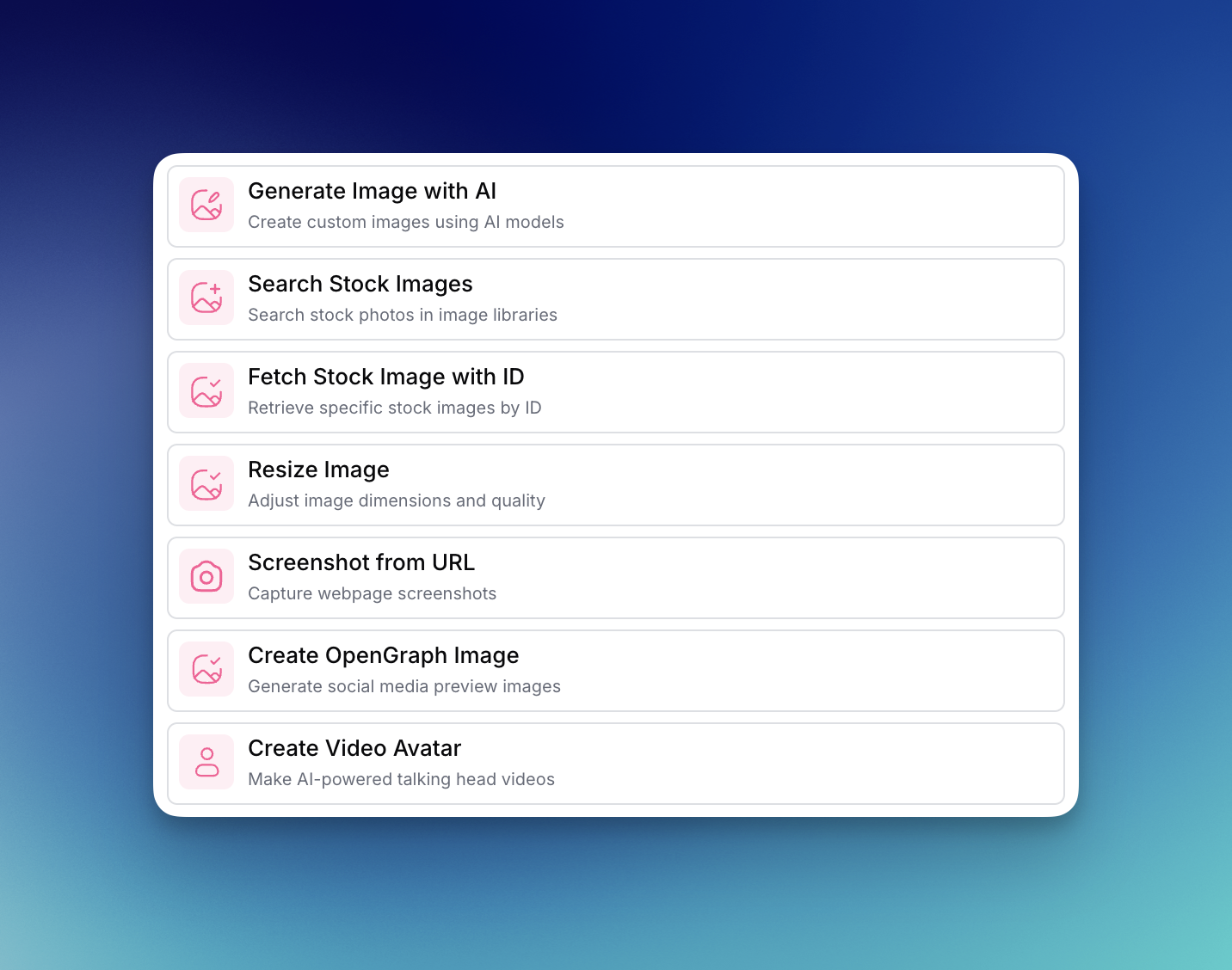
Estos pasos te permiten generar, buscar y modificar activos visuales que hacen que tu contenido sea más atractivo. Los pasos de Imágenes y Video incluyen:
1. [**Generar imagen con IA** ](/docs/es/acciones/workflow-concepts/workflow-steps/image-and-video/image-generation-step.md)-- crear imágenes personalizadas usando modelos de IA como GPT Image, Nano Banana Pro y Stable Diffusion
2. [**Buscar imágenes de stock**](/docs/es/acciones/workflow-concepts/workflow-steps/image-and-video/search-stock-images.md) -- encontrar fotografías de stock relevantes para tu contenido
3. [**Obtener imagen de stock con ID**](/docs/es/acciones/workflow-concepts/workflow-steps/image-and-video/fetch-stock-image-with-id.md) -- recuperar imágenes de stock específicas mediante sus identificadores únicos
4. [**Redimensionar imagen**](/docs/es/acciones/workflow-concepts/workflow-steps/image-and-video/resize-image.md) -- ajustar las dimensiones y la calidad de la imagen para adaptarlas a tus requisitos
5. [**Captura de pantalla desde URL**](/docs/es/acciones/workflow-concepts/workflow-steps/image-and-video/screenshot-from-url.md) -- capturar capturas de pantalla de cualquier página web
6. [**Crear imagen OpenGraph**](/docs/es/acciones/workflow-concepts/workflow-steps/image-and-video/create-opengraph-image.md) -- generar imágenes personalizadas de vista previa para redes sociales para lograr un mayor impacto
7. [**Crear avatar de video**](/docs/es/acciones/workflow-concepts/workflow-steps/image-and-video/create-video-avatar.md) -- producir videos de cabezas parlantes impulsados por IA para contenido personalizado
Estos pasos se pueden combinar con otras capacidades de AirOps para automatizar flujos de trabajo de contenido visual.
---
# Agent Instructions
This documentation is published with GitBook. GitBook is the documentation platform designed so that both humans and AI agents can read, navigate, and reason over technical content effectively. Learn more at gitbook.com.
## Querying This Documentation
If you need additional information that is not directly available in this page, you can query the documentation by asking a question.
Perform an HTTP GET request on the following URL with the `ask` and `goal` query parameters:
```
GET https://docs.airops.com/docs/es/acciones/workflow-concepts/workflow-steps/image-and-video.md?ask=&goal=
```
`ask` is the immediate question: it should be specific, self-contained, and written in natural language.
`goal` is what the user is ultimately trying to achieve, the reason they need the answer. Sharing it helps GitBook give you a better, more relevant answer. A goal is most helpful when it describes the outcome the user wants rather than restating the question. For example, with `ask=how do I create an API token`, a goal like `automate deployments from our CI pipeline` lets GitBook tailor the answer to that use case.
The response will contain a direct answer to the question and relevant excerpts and sources from the documentation.
Use this mechanism when the answer is not explicitly present in the current page, you need clarification or additional context, or you want to retrieve related documentation sections.