> For the complete documentation index, see [llms.txt](https://docs.airops.com/llms.txt). Markdown versions of documentation pages are available by appending `.md` to page URLs; this page is available as [Markdown](https://docs.airops.com/docs/de/aktionen/workflow-concepts/workflow-steps/image-and-video.md).
# Bild & Video
Bild- und Videoschritte ermöglichen leistungsstarke Funktionen zur Erstellung und Bearbeitung visueller Inhalte in Ihren AirOps-Workflows.
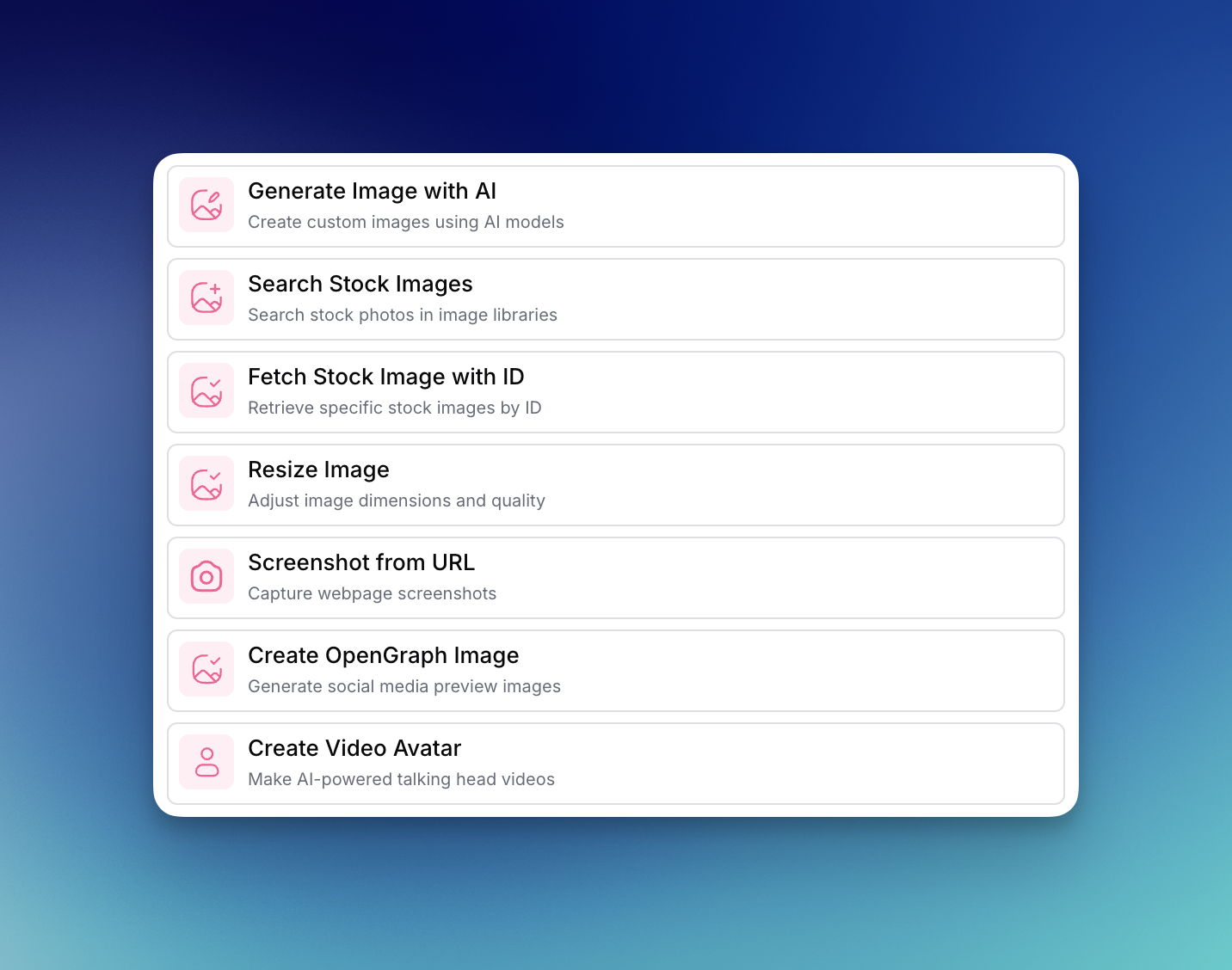
Diese Schritte ermöglichen es Ihnen, visuelle Assets zu generieren, zu durchsuchen und zu bearbeiten, die Ihre Inhalte ansprechender machen. Zu den Bild- und Videoschritten gehören:
1. [**Bild mit KI generieren** ](/docs/de/aktionen/workflow-concepts/workflow-steps/image-and-video/image-generation-step.md)-- Erstellen Sie benutzerdefinierte Bilder mit KI-Modellen wie GPT Image, Nano Banana Pro und Stable Diffusion
2. [**Stockbilder suchen**](/docs/de/aktionen/workflow-concepts/workflow-steps/image-and-video/search-stock-images.md) -- Finden Sie passende Stock-Fotografien für Ihre Inhalte
3. [**Stockbild mit ID abrufen**](/docs/de/aktionen/workflow-concepts/workflow-steps/image-and-video/fetch-stock-image-with-id.md) -- Rufen Sie bestimmte Stockbilder anhand ihrer eindeutigen Kennungen ab
4. [**Bild skalieren**](/docs/de/aktionen/workflow-concepts/workflow-steps/image-and-video/resize-image.md) -- Passen Sie Bildabmessungen und Qualität an Ihre Anforderungen an
5. [**Screenshot von URL**](/docs/de/aktionen/workflow-concepts/workflow-steps/image-and-video/screenshot-from-url.md) -- Erfassen Sie Screenshots von beliebigen Webseiten
6. [**OpenGraph-Bild erstellen**](/docs/de/aktionen/workflow-concepts/workflow-steps/image-and-video/create-opengraph-image.md) -- Erstellen Sie benutzerdefinierte Social-Media-Vorschaubilder für mehr Interaktion
7. [**Video-Avatar erstellen**](/docs/de/aktionen/workflow-concepts/workflow-steps/image-and-video/create-video-avatar.md) -- Erstellen Sie KI-gestützte Talking-Head-Videos für personalisierte Inhalte
Diese Schritte können mit anderen AirOps-Funktionen kombiniert werden, um Workflows für visuelle Inhalte zu automatisieren.
---
# Agent Instructions
This documentation is published with GitBook. GitBook is the documentation platform designed so that both humans and AI agents can read, navigate, and reason over technical content effectively. Learn more at gitbook.com.
## Querying This Documentation
If you need additional information that is not directly available in this page, you can query the documentation by asking a question.
Perform an HTTP GET request on the following URL with the `ask` and `goal` query parameters:
```
GET https://docs.airops.com/docs/de/aktionen/workflow-concepts/workflow-steps/image-and-video.md?ask=&goal=
```
`ask` is the immediate question: it should be specific, self-contained, and written in natural language.
`goal` is what the user is ultimately trying to achieve, the reason they need the answer. Sharing it helps GitBook give you a better, more relevant answer. A goal is most helpful when it describes the outcome the user wants rather than restating the question. For example, with `ask=how do I create an API token`, a goal like `automate deployments from our CI pipeline` lets GitBook tailor the answer to that use case.
The response will contain a direct answer to the question and relevant excerpts and sources from the documentation.
Use this mechanism when the answer is not explicitly present in the current page, you need clarification or additional context, or you want to retrieve related documentation sections.