> For the complete documentation index, see [llms.txt](https://docs.airops.com/llms.txt). Markdown versions of documentation pages are available by appending `.md` to page URLs; this page is available as [Markdown](https://docs.airops.com/docs/de/aktionen/workflow-concepts.md).
# Workflows
Erstellen Sie schrittweise AirOps-Workflows, die Daten, KI-Modelle, Review und Veröffentlichung über definierte Eingaben, Schritte, Variablen und Ausgaben verbinden.
AirOps Workflows sind der visuelle Builder für Prozesse, die explizite Schritte und einen Datenfluss benötigen. Verbinden Sie Daten, KI-Modelle, Recherche, Prüfung und Veröffentlichung in einer definierten Reihenfolge. Verwenden Sie Grids, um Playbooks und Workflows über viele Zeilen hinweg auszuführen, und verwenden Sie Playbooks für Agentenarbeit, die in natürlicher Sprache beschrieben wird.
Teams nutzen Workflows für Recherche, Monitoring, Content-Erstellung und Aktualisierung, redaktionelle Prüfung, Datentransformation und verknüpfte Veröffentlichung.
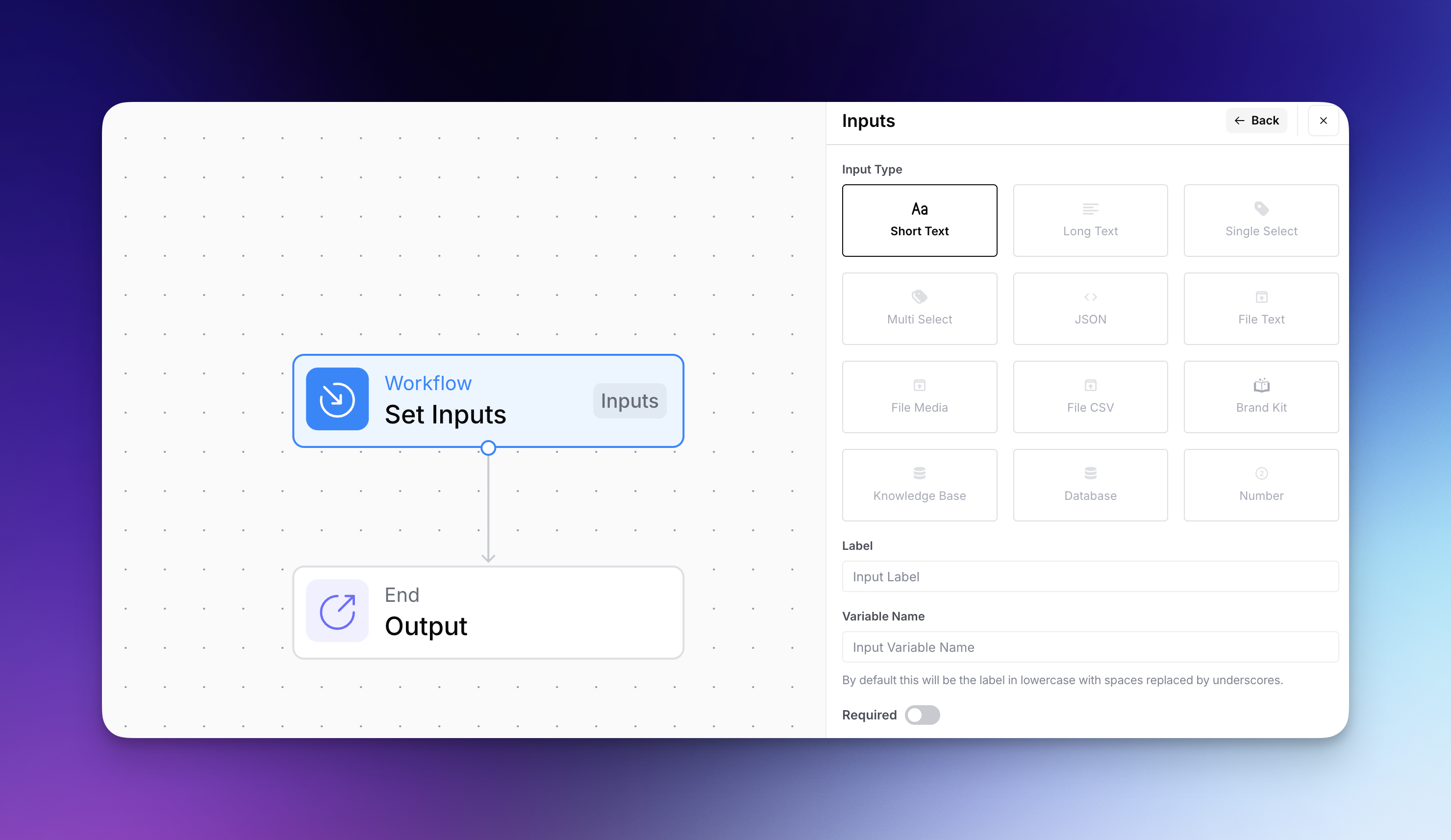
* **Workflow-Eingaben**: Die Informationen, die Sie in Ihren Workflow einspeisen, wenn Sie ihn starten – etwa Text, Dateien oder Auswahlen aus Dropdown-Menüs. Betrachten Sie diese als das Rohmaterial, das Ihr Workflow verarbeitet.
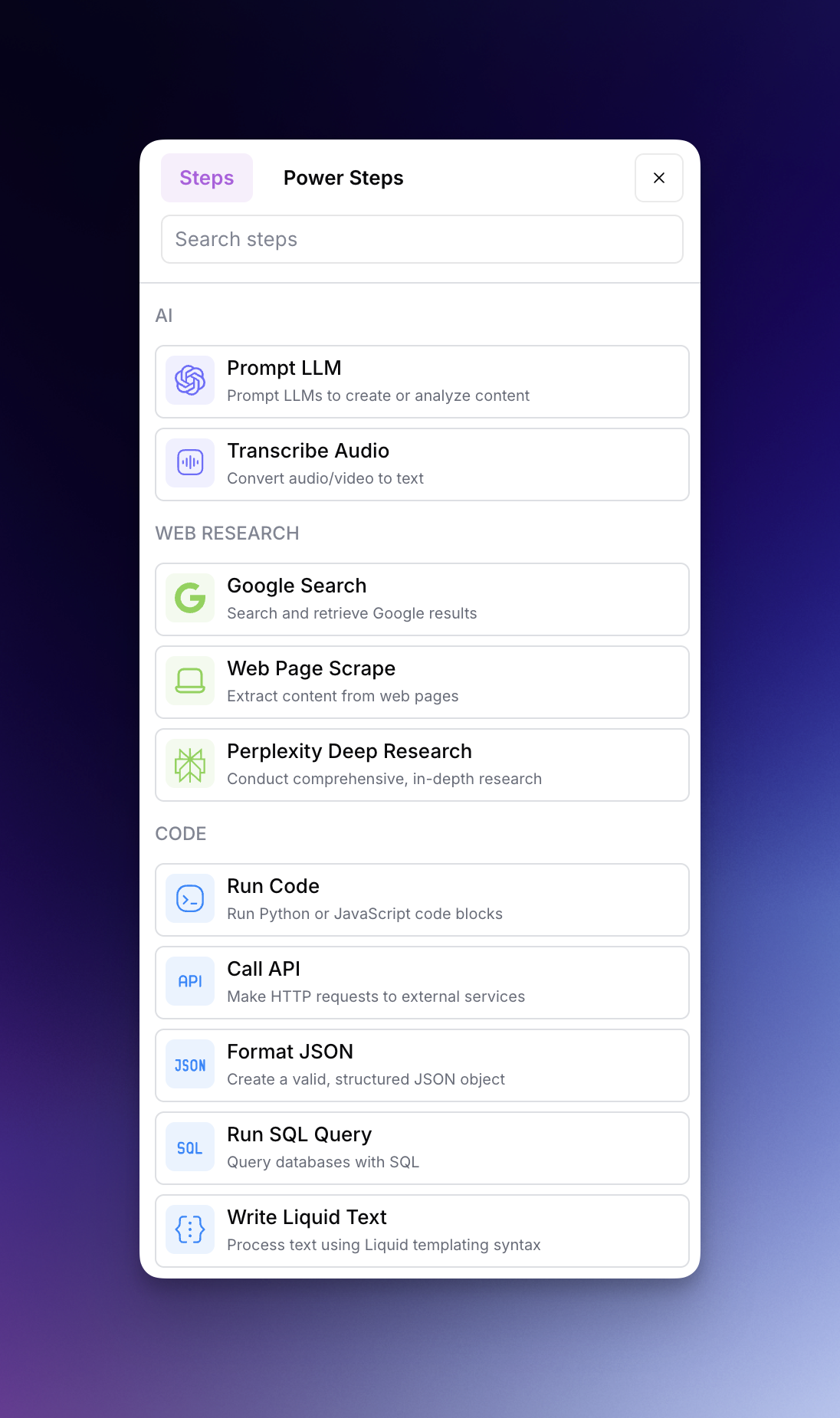
* **Workflow-Schritte**: Die Aktionen, die Ihr Workflow ausführt – z. B. Text mit KI generieren, Google durchsuchen, ein Bild erzeugen oder Inhalte überprüfen. Diese Schritte sind in einer festen Reihenfolge miteinander verbunden, um Ihr Ziel zu erreichen.
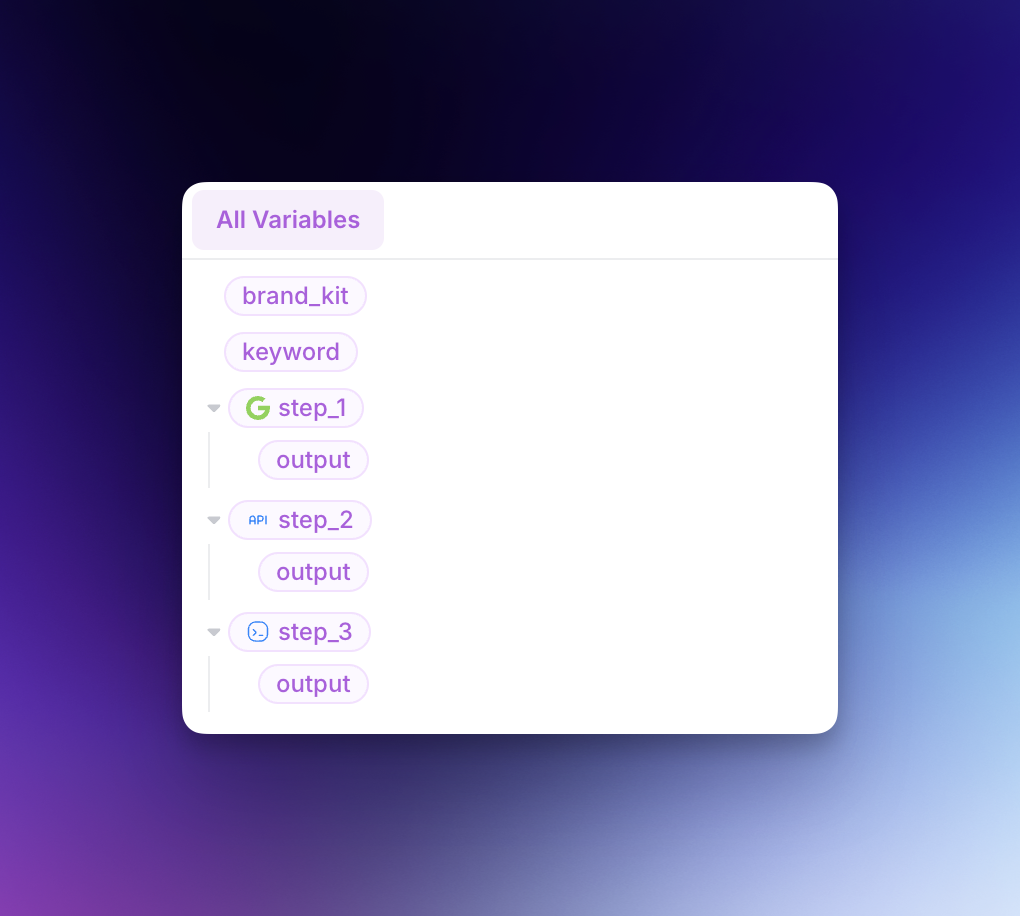
* **Workflow-Variablen**: Werte, die zwischen verschiedenen Teilen Ihres Workflows übergeben werden können. Mit Variablen können Sie die Ausgabe eines Schritts als Eingabe für einen anderen verwenden und so eine verknüpfte Kette von Aktionen erstellen.
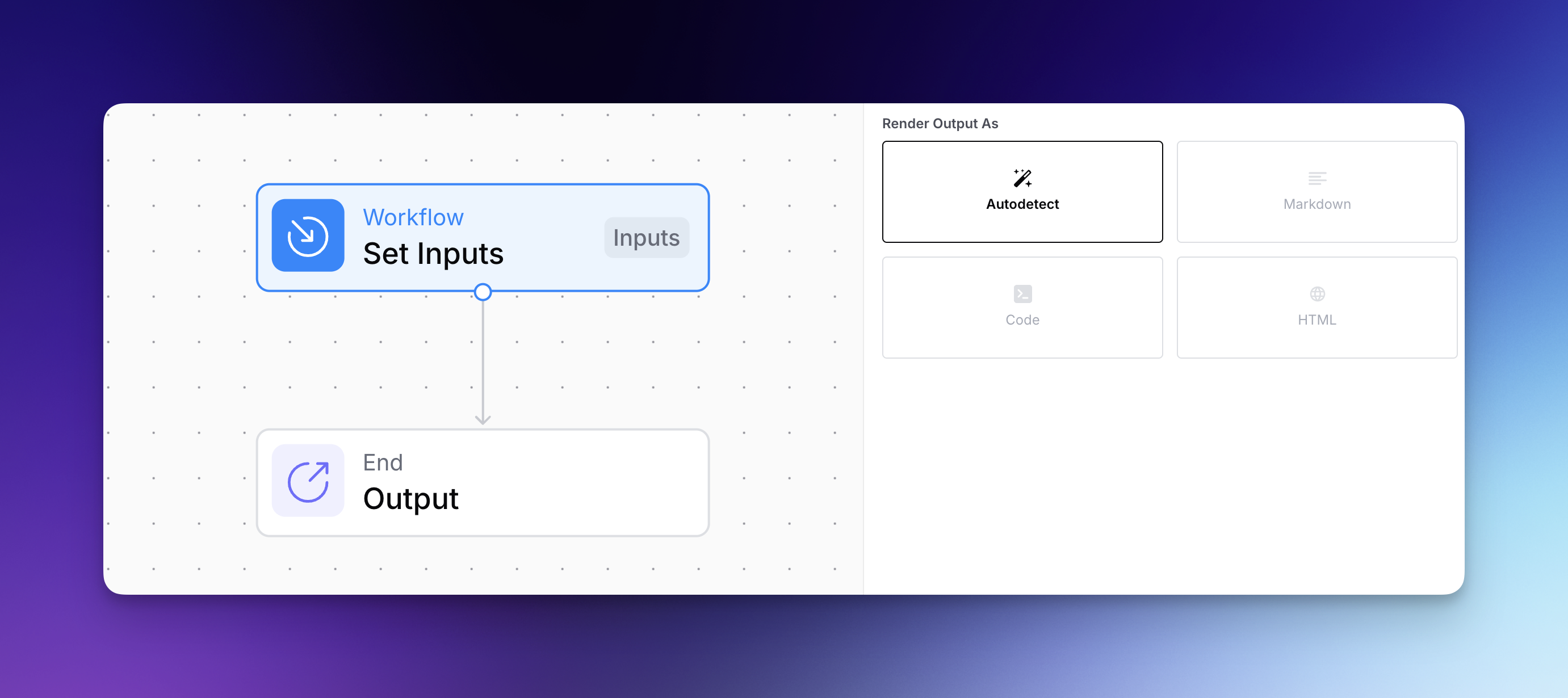
* **Workflow-Ausgaben**: Die Endergebnisse, die Ihr Workflow erzeugt – sei es ein Blogbeitrag, ein Bild, eine Analyse oder Daten in einem bestimmten Format. Dies wird geliefert, wenn Ihr Workflow die Ausführung beendet.
---
# Agent Instructions
This documentation is published with GitBook. GitBook is the documentation platform designed so that both humans and AI agents can read, navigate, and reason over technical content effectively. Learn more at gitbook.com.
## Querying This Documentation
If you need additional information that is not directly available in this page, you can query the documentation by asking a question.
Perform an HTTP GET request on the following URL with the `ask` and `goal` query parameters:
```
GET https://docs.airops.com/docs/de/aktionen/workflow-concepts.md?ask=&goal=
```
`ask` is the immediate question: it should be specific, self-contained, and written in natural language.
`goal` is what the user is ultimately trying to achieve, the reason they need the answer. Sharing it helps GitBook give you a better, more relevant answer. A goal is most helpful when it describes the outcome the user wants rather than restating the question. For example, with `ask=how do I create an API token`, a goal like `automate deployments from our CI pipeline` lets GitBook tailor the answer to that use case.
The response will contain a direct answer to the question and relevant excerpts and sources from the documentation.
Use this mechanism when the answer is not explicitly present in the current page, you need clarification or additional context, or you want to retrieve related documentation sections.