# Contentful
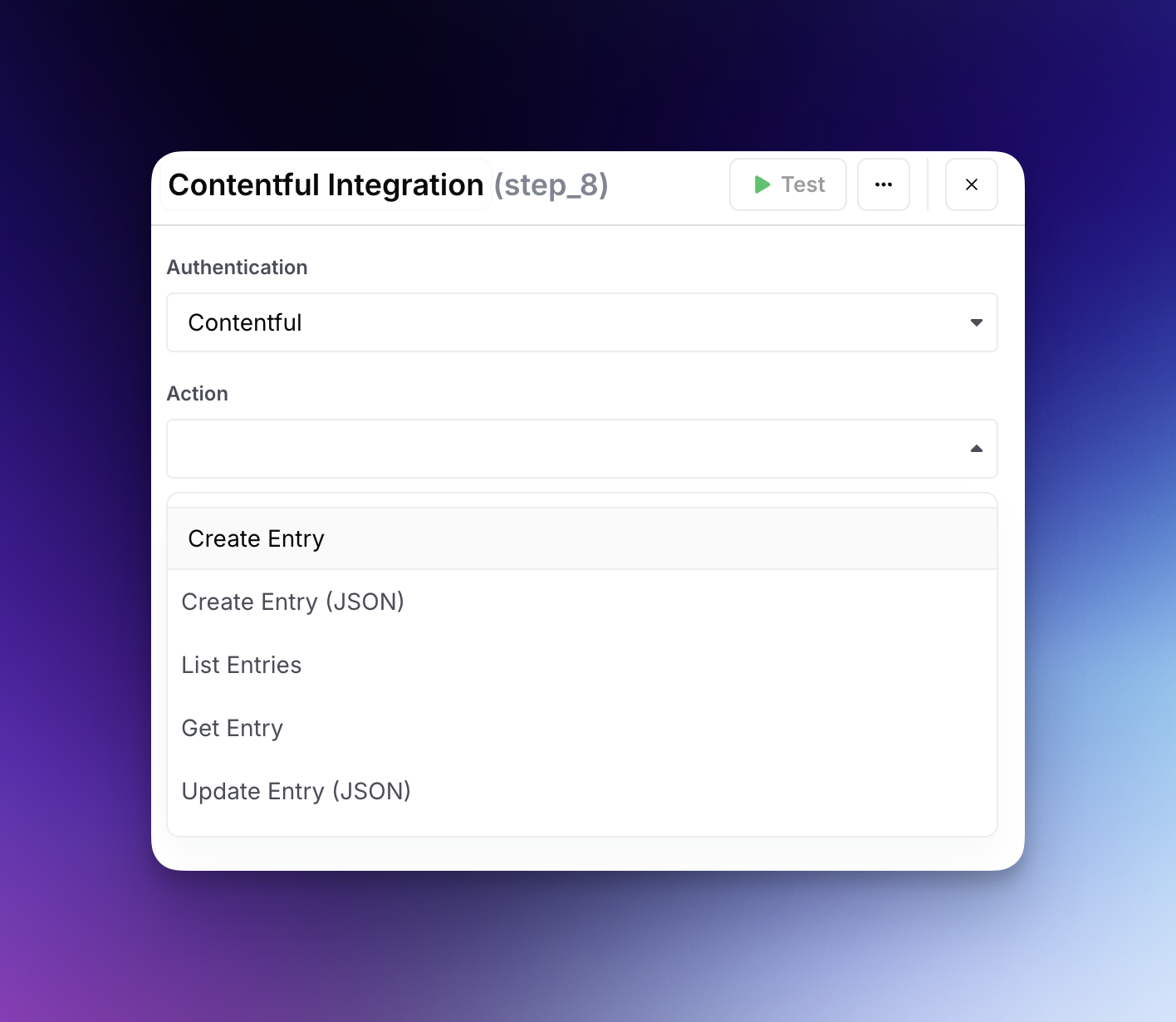
The Contentful Integration allows you to create, list, get, and update entries.
## Authentication
1. **Generate a Personal Access Token from Contentful:**
* Log in to your Contentful account.
* Navigate to settings, then click on "CMA Tokens."
* Press the "Create Personal Access To" button.
* Provide a descriptive name for the token to identify its usage easily.
* After the token is generated, make sure to copy and securely store it immediately, as it will not be displayed again.
2. **Add the Personal Access Token to Your Workflow:**
* Go to
* Find the section for Contentful integration and click on the "Configure" button.
* In the modal that appears, paste the copied Personal Access Token into the designated field.
* Click "Add" to complete the setup.
**Security Note:** Treat your Personal Access Token like a password. It provides full access to your Contentful space, and it should not be shared. Store it securely and only use it in server-side or secure, authenticated environments.
## Functions and Their Parameters
#### Create Entry
1. **Space**: Select a Contentful space.
2. **Environment**: Select a Contentful environment
3. **Content Type**: Select a Contentful content type
4. **Locale (optional)**: Content locale. By default en-US
* After you select the Content Type, new fields will appear according to the option selected.
#### Create Entry (JSON)
1. **Space ID**: The ID of your contentful space. e.g. yadj1kx9rmg0
2. **Environment**: The name of your environment. This is usually master
3. **Content Type ID**
4. **JSON**
#### List Entries
1. **Space ID**: The ID of your contentful space. e.g. yadj1kx9rmg0
2. **Environment**: The name of your environment. This is usually master
3. **Limit (optional)**: How many entries to fetch.
4. **Skip (optional)**: How many entries to skip first when collecting the response.
#### Get Entry
1. **Space ID**: The ID of your contentful space. e.g. yadj1kx9rmg0
2. **Environment**: The name of your environment. This is usually master
3. **Entry ID**: The ID or slug of the entry you want to retrieve
4. **Locale (optional)**: Content locale. By default en-US
#### Update Entry (JSON)
1. **Space ID**: The ID of your contentful space. e.g. yadj1kx9rmg0
2. **Environment**: The name of your environment. This is usually master
3. **Content Type ID**: The ID of the Content Type you are going to create.
4. **Entry ID**: The ID of the entry you want to update
5. **JSON**: A JSON object containing the fields to update, example:
```
{
"title": {
"en-US": "Hello, World!"
},
"body": {
"en-US": "Bacon is healthy!"
}
}
```
#### Upload Image
1. **Space ID**: The ID of your contentful space. e.g. yadj1kx9rmg0
2. **Environment**: The name of your environment. This is usually master
3. **Image Url**
4. **Title (optional)**
5. **Description (optional)**