> For the complete documentation index, see [llms.txt](https://docs.airops.com/llms.txt). Markdown versions of documentation pages are available by appending `.md` to page URLs; this page is available as [Markdown](https://docs.airops.com/actions/workflow-concepts/workflow-steps/image-and-video/image-generation-step.md).
# Generate Image with API
Generate and edit images and variations
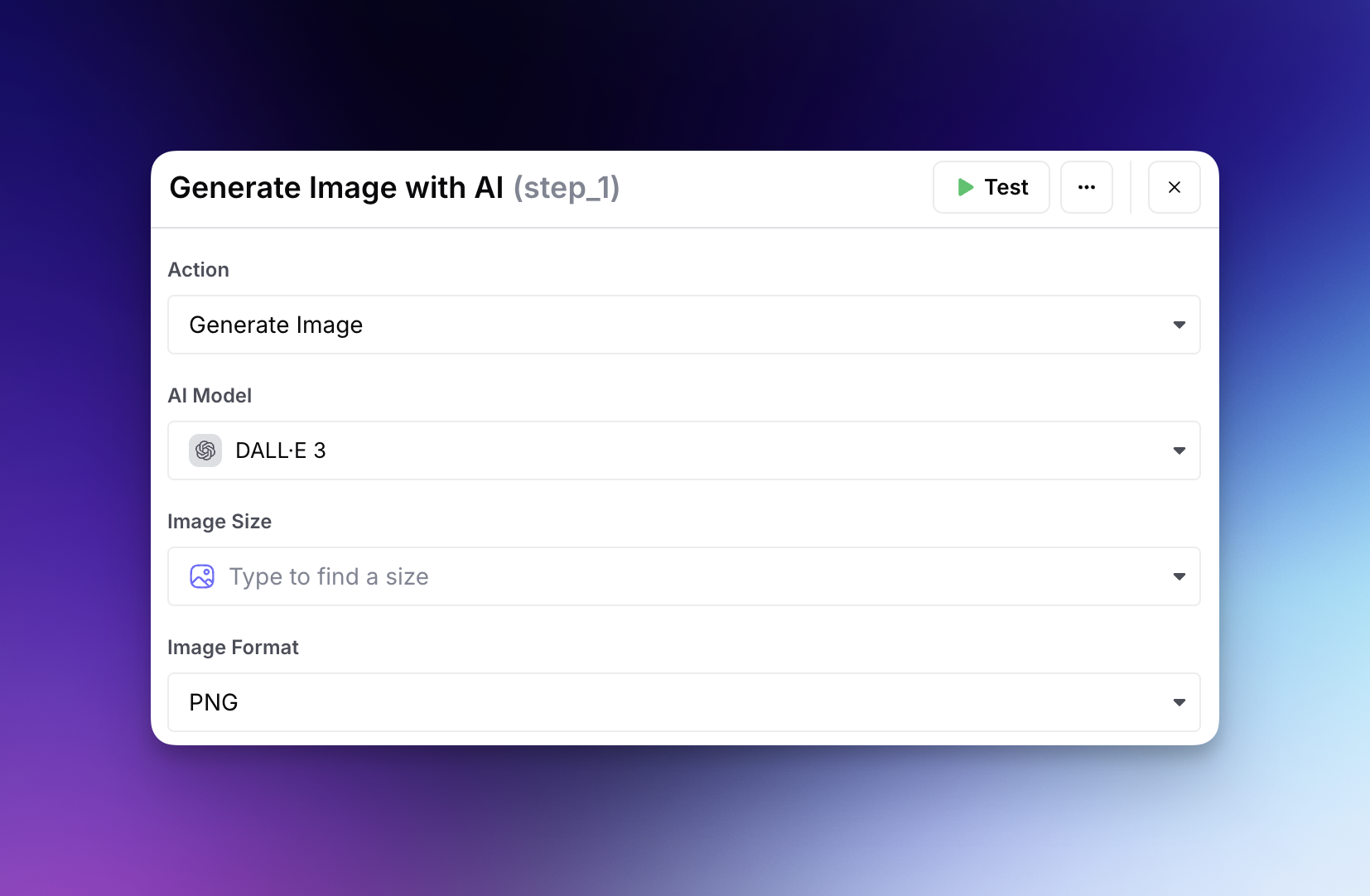
The Generate Image with AI step allows you to create, edit, or generate variations of images directly within your AirOps workflows.
## Generate Image
### Popular AI Models for Image Generation
AirOps offers the following AI models for image generation:
| Model | Provider | Description |
| ---------------------------------------- | ------------ | ------------------------------------------------------------------ |
| GPT Image 2.5 Sunburst | OpenAI | Image generation and editing focused on precision |
| GPT Image 2.5 Flare | OpenAI | Fast image generation and editing for everyday use |
| GPT Image 2 | OpenAI | Image generation with existing GPT Image 2 controls |
| GPT Image 1.5 | OpenAI | Previous-generation OpenAI text-to-image model |
| Nano Banana Pro (`gemini-3-pro-image`) | Google | Advanced text-to-image with 4K support and superior text rendering |
| Nano Banana 2 (`gemini-3.1-flash-image`) | Google | Fast image generation with image-editing support |
| Stable Image Ultra | Stability AI | Highest quality photorealistic image generation |
| Stable Diffusion 3.5 Large | Stability AI | Balanced speed and quality for digital content |
{% hint style="info" %}
**Nano Banana Pro** offers multiple resolutions up to 4K, improved text rendering, and better style consistency. Note that it is approximately 4x more expensive than other image generation models.
{% endhint %}
{% hint style="info" %}
The Gemini 3 preview model IDs have been retired. Workflows that used `gemini-3-pro-image-preview` or `gemini-3.1-flash-image-preview` automatically move to the corresponding GA model listed above.
{% endhint %}
{% hint style="warning" %}
**DALL·E models have been deprecated** and are no longer available in the model picker. Workflows that previously generated images, edited images, or generated variations with DALL·E should migrate to one of the models listed above.
{% endhint %}
### GPT Image 2.5 controls
Choose **GPT Image 2.5 Sunburst** or **GPT Image 2.5 Flare**, then select dimensions and **Low**, **Medium**, **High**, or **Auto** quality. The 16:9 and 9:16 1K presets use 1536×864 and 864×1536, respectively.
Existing GPT Image 2 steps keep their model and configuration. Select a GPT Image 2.5 model explicitly when you want to use it in a Workflow.
## Edit Images
Choose an image-editing-capable model, such as GPT Image 2.5 Sunburst, GPT Image 2.5 Flare, or Nano Banana 2, when you want to revise an existing image. Available controls can vary by model.
Provide the source image as either:
1. A ["File Media" Workflow Input](/actions/workflow-concepts/application-inputs/input-types.md#advanced-input-types) variable
2. A publicly accessible URL with a .png endpoint
For models that support mask-based editing, provide an Image Mask URL with the same dimensions as the source image. Transparent areas identify where the image can change.
## Generate Variations
The DALL·E 2-specific variations flow is no longer available. To produce alternate versions, generate again with a revised prompt or use an image-editing-capable model when you need to preserve elements of a source image.
If you choose to generate multiple images, the output is returned as JSON with an accessible URL for each generated image.
---
# Agent Instructions
This documentation is published with GitBook. GitBook is the documentation platform designed so that both humans and AI agents can read, navigate, and reason over technical content effectively. Learn more at gitbook.com.
## Querying This Documentation
If you need additional information that is not directly available in this page, you can query the documentation by asking a question.
Perform an HTTP GET request on the following URL with the `ask` and `goal` query parameters:
```
GET https://docs.airops.com/actions/workflow-concepts/workflow-steps/image-and-video/image-generation-step.md?ask=&goal=
```
`ask` is the immediate question: it should be specific, self-contained, and written in natural language.
`goal` is what the user is ultimately trying to achieve, the reason they need the answer. Sharing it helps GitBook give you a better, more relevant answer. A goal is most helpful when it describes the outcome the user wants rather than restating the question. For example, with `ask=how do I create an API token`, a goal like `automate deployments from our CI pipeline` lets GitBook tailor the answer to that use case.
The response will contain a direct answer to the question and relevant excerpts and sources from the documentation.
Use this mechanism when the answer is not explicitly present in the current page, you need clarification or additional context, or you want to retrieve related documentation sections.